Keeping tabs on your family’s whereabouts shouldn’t mean firing off texts every hour. Location-sharing apps handle that automatically in the background, though they don’t all do it the same way. Three options stand out here: iSharing, HeyPolo, and AirDroid Parental Control.
Table of Contents
Real-Time Location Sharing Has Become Something Families Rely On
A parent waiting on a teenager who’s late from practice, an adult child checking in on an elderly parent, a couple coordinating a pickup: these everyday moments pushed real-time GPS sharing from a niche feature to something millions of families use daily. The app you pick shapes how much visibility you get and at what cost.
1. iSharing
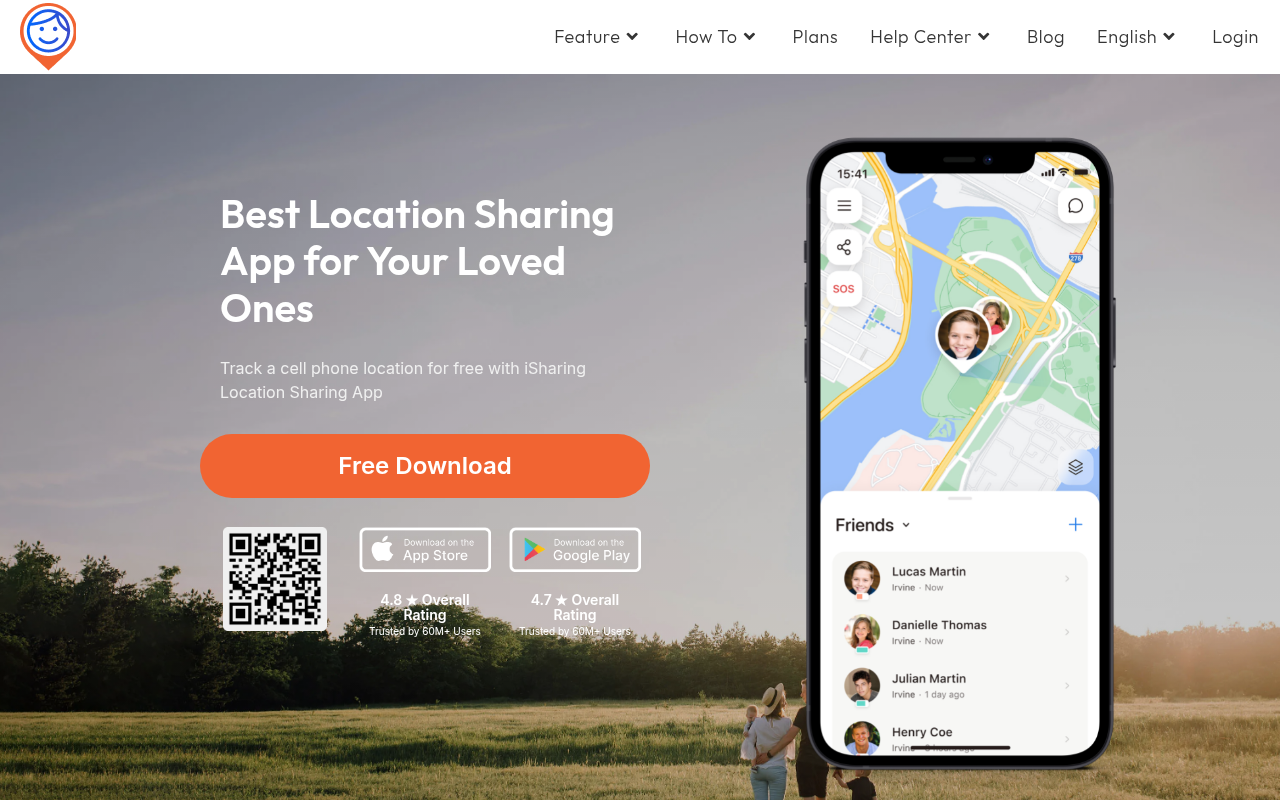
iSharing is a free location tracking app for families built by iSharingSoft, Inc. of Irvine, California. It shares live GPS location inside private groups called Circles. The free plan covers real-time location, messaging, Panic Alert, and one place alert, with no trial clock on those features. That’s a genuinely usable free tier.
Paid plans extend it with unlimited place alerts, Driving Reports that log top speed, hard braking, rapid acceleration, and phone use behind the wheel, and up to 365 days of location history on Platinum. For families who need to reconstruct a route weeks after the fact, Platinum is one of the few options that holds a full year.
iSharing at a glance: iSharing has 70M+ users worldwide and has operated since 2010. It works on iPhone, Android, tablets, Mac, and web (web on Platinum), and iPhone and Android users can share in the same Circle. Circles have unlimited members, included in the free plan. The free plan includes real-time location, messaging, Panic Alert, and 1 place alert. Paid plans add Driving Reports, 10-sec audio on Panic Alert, unlimited place alerts, and up to 365 days of history (Platinum). Pricing: Free plan available; premium from $7.99 with a 7-day free trial. Ratings: 4.8 on the App Store (approx. 36K) and 4.5 on Google Play (approx. 247K).
2. HeyPolo
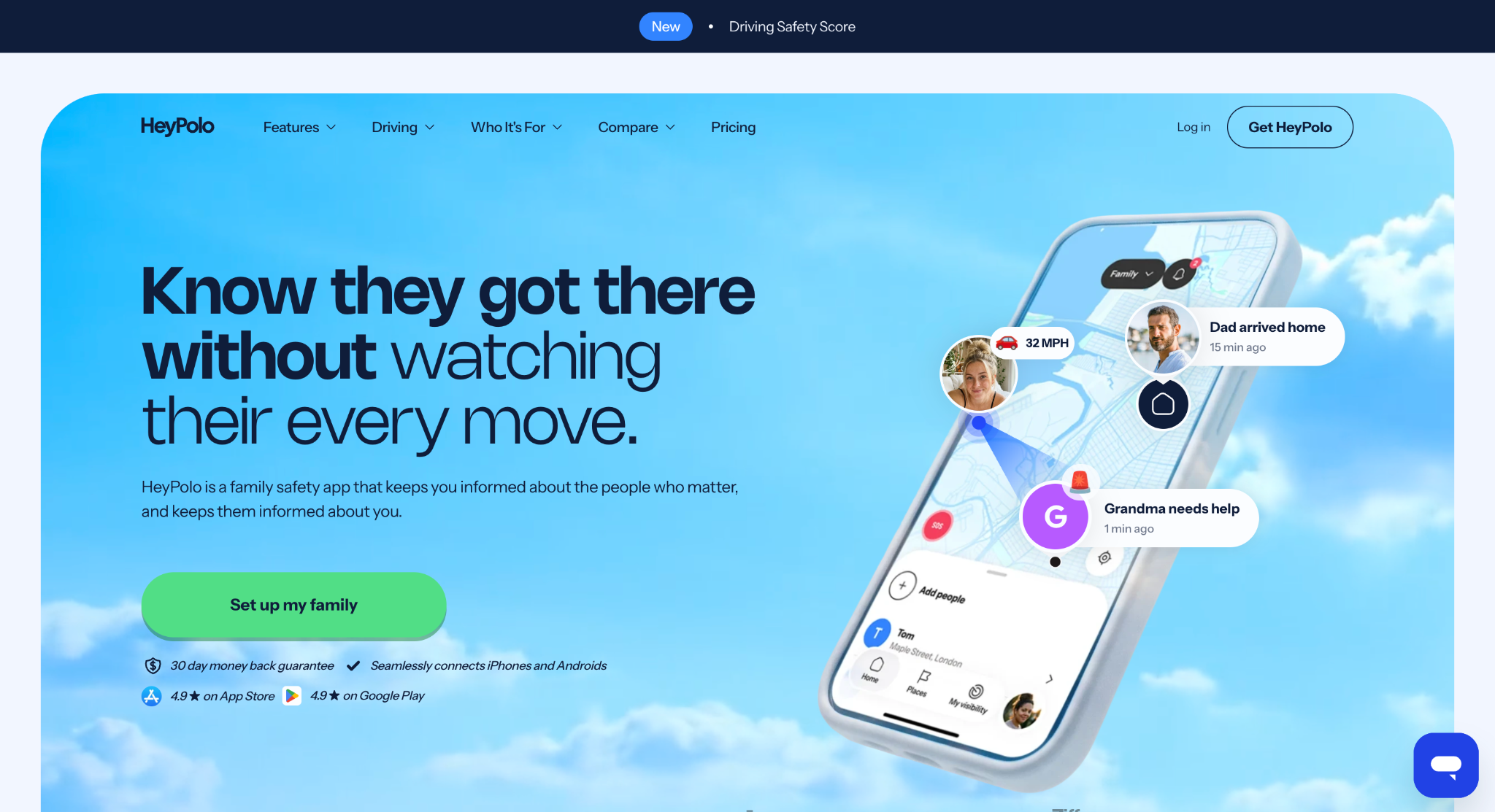
HeyPolo is a family safety and location-sharing app that launched in 2026. Its pitch is privacy and consent: each person controls when they share, how precisely, and for how long, and the listing promises no hidden background tracking. It works across iPhone and Android in a single family group.
It is not a free-plan app. HeyPolo is free to download, but it runs on a paid subscription, which the App Store lists at $11.99 or $14.99 a month, or $47.99 or $69.99 for 12 months, with a 7-day trial described on the listing. One subscription covers the whole family. In return you get real-time sharing, arrival and departure alerts, crash detection, a driving safety score, SOS alerts, and low-battery alerts.
The US App Store shows 4.7 stars from 99 ratings, a small base because the app is new. Families who want a long history or a free tier may find it a stretch; those who want a privacy-first approach to sharing may like it.
3. AirDroid Parental Control
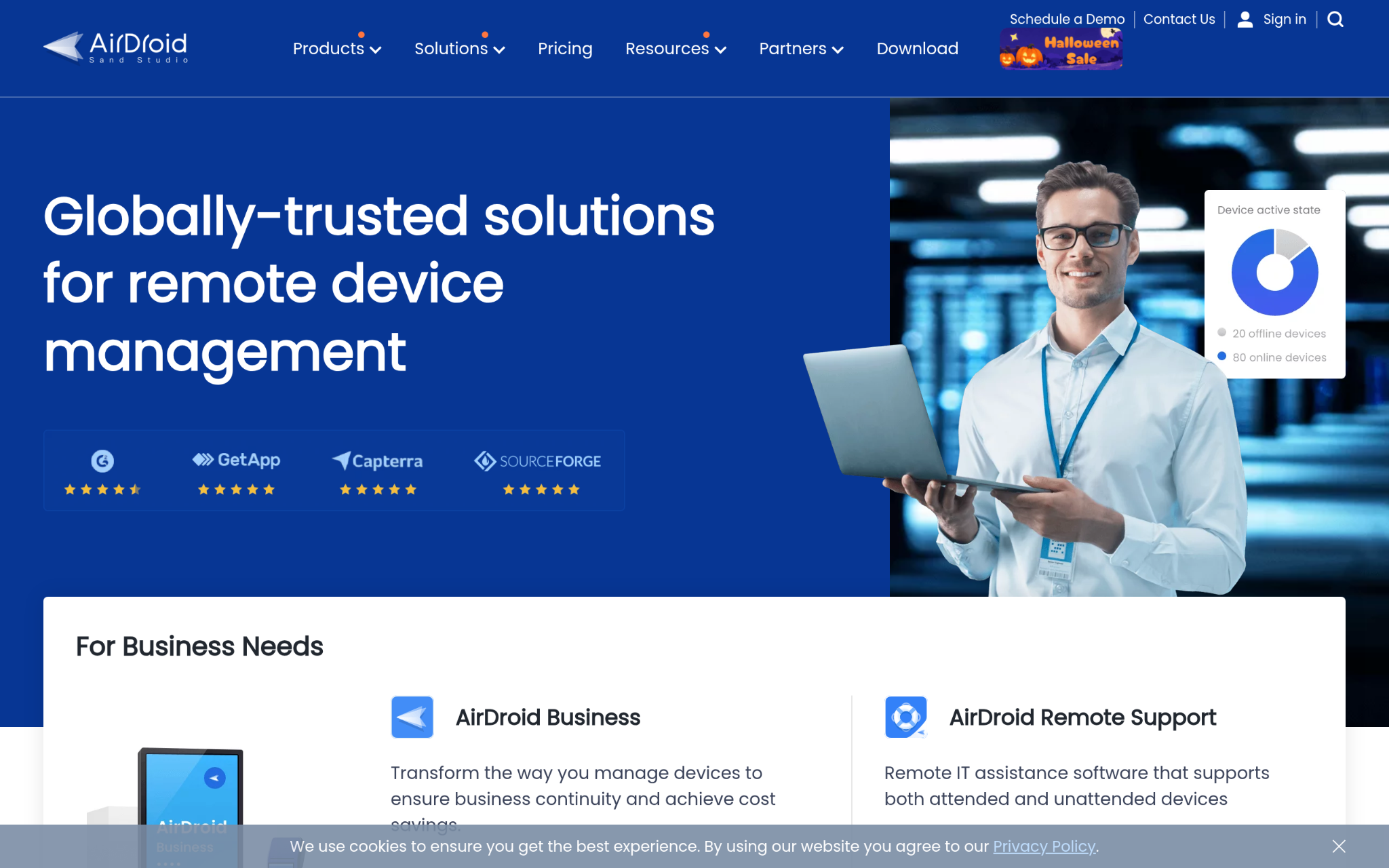
AirDroid Parental Control is the family product from Sand Studio, the Singapore company founded in 2011 that is also known for its enterprise device-management software. The parental product is a different tool from that business line: it combines location tracking, geofencing, and route history with screen-time limits, app monitoring, website filtering, and a remote check of a child’s surroundings.
Premium costs $9.99 a month, $19.99 a quarter, or $59.99 a year, and a 3-day free trial is available. AirDroid notes that some advanced monitoring features are limited on iOS, so it works best when the child uses Android. It is also the heaviest-touch option here: it is designed for active supervision of a child’s device, which is a different relationship from mutual sharing between adults.
Features That Matter in a Family Location App
Data checked November 5, 2026.
| iSharing | HeyPolo | AirDroid Parental Control | |
| Main use | Family location sharing | Privacy-first family sharing and safety | Parental control with location |
| Platforms | iPhone, Android, tablets, Mac, web (Platinum) | iPhone and Android | Parent app on iOS and Android; child side works best on Android |
| Free plan | Yes (live location, messaging, Panic Alert, 1 place alert) | No; free download, paid subscription | 3-day trial |
| Paid from | $7.99 (7-day trial) | $11.99/month or $47.99/year | $9.99/month |
| Members | Unlimited in Circles (free) | One subscription covers the family | Not confirmed |
| Location history | Up to 365 days (Platinum) | Trip history and playback | Route history |
| Place alerts | 1 free; unlimited paid | Yes | Yes (geofence) |
| Driving reports | Yes (paid) | Yes (driving safety score) | Not listed |
| Panic / SOS | Panic Alert (10-sec audio on paid) | SOS alerts | Not listed |
| Ratings | 4.8 App Store (approx. 36K); 4.5 Google Play (approx. 247K) | 4.7 App Store (99) | Not confirmed |
How to Pick the Right App for Your Family
If the priority is a full safety suite with a usable free tier, iSharing covers place alerts, driving reports, long history, and Panic Alert, with unlimited members in Circles from the free plan. HeyPolo fits families who value consent-first sharing and will pay a subscription for it, though its small rating base and short track record are worth weighing. AirDroid Parental Control belongs to a different category: it suits parents of younger Android-using kids who want screen-time and content controls alongside location, not adults sharing with each other.
Bottom Line
- iSharing: best for mixed iPhone and Android families who want a free plan, unlimited members, Driving Reports, and up to 365 days of history.
- HeyPolo: best for families who want privacy-first, consent-based sharing and are happy to pay a family subscription.
- AirDroid Parental Control: best for parents who want screen-time and content supervision of an Android device alongside location.
Match the app to the daily need, and the choice gets much clearer.


DIY Playroom Storage That Grows With Your Kids
Build DIY playroom storage that grows with your kids. Learn how to plan modular cubes, choose durable MDF, anchor tall…